
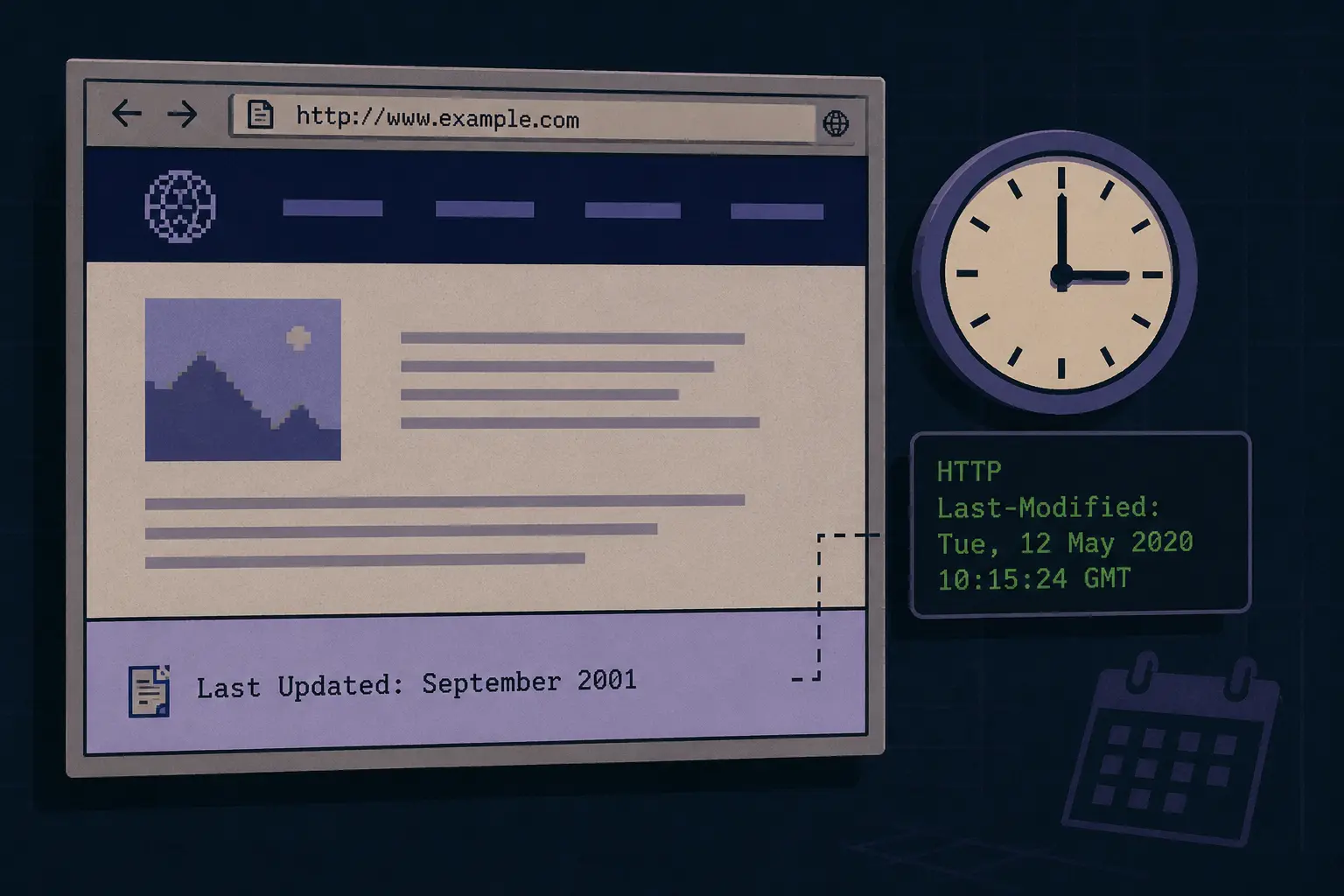
Scroll to the bottom of an old website, and you’ll see a small line: “Last updated: September 2001.” This was the last modified website footer. A single date showed whether the page was still active, back when there was no easier way to prove it.
Actually, “Last modified” covers three major things: the technical Last-Modified HTTP header, the visible website last modified date in the page footer section, and the website update date. This article covers all three and shows you how you can check the website’s last modified date yourself.
Table of Contents
What “Last Modified Website” Actually Means
Manual Footer Date
The webmaster typed it by hand, like “Page last updated: [date].” There is no code involved, just a person telling visitors this site is still active.
HTTP Last-Modified Header
The server metadata sent with every page request, invisible to visitors, tells browsers and crawlers when a file was last changed. The official specification covers how it works.
The document.lastModified property.
This is a JavaScript value that sounds precise, but it usually reflects when the file was last saved, not when the content actually changed, as our W3Schools explains.
| Type | Who Set It | Visible? | Reliable? |
| Manual footer date | Webmaster, by hand | Yes | Only as good as the person updating it |
| HTTP header | Server, automatically | No | Yes, reflects real file changes |
| document.lastModified | Browser, via JS | Yes, if shown | Often misleading |
The manual footer and the HTTP header rarely matched. That mismatch is part of why the whole habit eventually faded.

Why Websites Displayed the Date at All
Before automatic timestamps and constantly refreshing social feeds, and refreshing social feeds, there was no way to prove this site was alive or not. A visitor clearly had no idea when this site owner vanished or updated the page that morning. This simple “Last Updated” line solved that instantly.
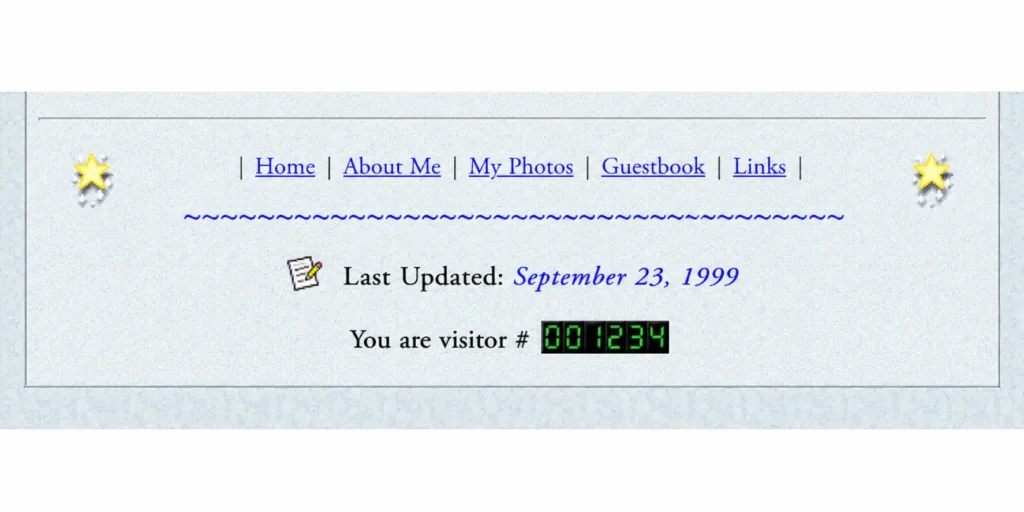
In that same era, it grew alongside other trust signals like hit counters and internet guestbooks. All served the same purpose: prove a real person was still behind the site. This mattered most during the personal homepage era, where only one person maintained the site.
How It Spread, and Why It Faded
The habit spread fast through webrings, where linked sites often copied each other’s layout along with the links themselves. Small businesses, universities, and early documentation pages picked it up too. They all helped signal that the page was still current.
| Period | What Changed |
| 1991-1999 | Manual dates appear on static HTML pages, then spread across homepages, GeoCities, and webrings |
| 2000-2005 | Becomes standard on independently run sites |
| 2005-2010 | Blogs and CMS platforms automate timestamps |
| 2010s-Today | Manual footers fade out; the HTTP header keeps working quietly for caching and crawling |
The arrival of blogging platforms killed the manual habit simply by automating it. Once blogging platforms automatically generated updated timestamps (updated_at), there was nothing left for a webmaster to update manually. And it can’t do anything for a webmaster to type. In the modern digital garden website, the updated date shows that the evolving ideas rather than survival.
The habit hasn’t fully disappeared either. Parts of the indie web revival bring back manual “last updated” lines on the website footer.
How to Check a Website’s Last Modified Date
Open your browser’s Developer Tools, switch to the Network tab, reload the page, and check the main request’s response headers for Last-Modified. There are multiple tools available on Google to find when the site was last updated. Tools like Validbot’s checker show the raw header for any URL instantly. Some websites also continue to display a manual Last Updated date in their footer.
An empty result doesn’t mean anything’s broken. It usually just means the platform never generates one. The interesting part, when I was researching the old website, I still checked the footer for an updated one.
FAQ
Does the last modified date always match the actual content change?
No. The header can update for minor server-side changes with nothing to do with the visible content, a point from Computer Hope explains very well.
Why did footers stop showing update dates?
Modern CMS platforms started generating timestamps automatically, so there was nothing left to maintain by hand.
The Takeaway
The last modified website footer was one of the earliest trust signals that showed someone was still behind the page, long before activity feeds existed. Adding a manual date and time has mostly disappeared, but the instinct behind it just moved elsewhere. You can see on authority websites when the content was updated or modified.

Asif BC is a web developer with 2 years of professional experience in website development and modern web technologies. As the creator of Curiouxify, he researches and writes about interactive websites, internet history, browser experiments, digital culture, and the evolution of the web. His articles combine technical knowledge with careful research to document the creative and lesser-known corners of the internet.