
Nowadays people are searching for interactive website examples that actually inspire real-world projects. If you’re that type of person, then you’re in the right place. Modern websites focus on dynamic rather than static content. They respond animatedly and react to users in ways that feel alive. For developers, this shift opens up endless opportunities to build engaging and creative web experiences.
Table of Contents
Why Interactive Websites Matter for Developers
Interactive websites are transforming how users engage with content. Instead of traditional websites like passively scrolling, users now interact through clicks, motion, and real-time feedback.
For developers, this means:
- Learning from top frontend inspiration websites
- Exploring ideas from creative coding websites
- Building projects that stand out in portfolios
When everything is done right, interactivity increases user engagement, improves retention and bounce rate, and creates memorable experiences. Many of the ideas you’ll see below are similar to what we explored in this blog on interactive web experiences, which shows real examples.
Interactive Website Examples
1. CodePen
Visit: https://codepen.io/
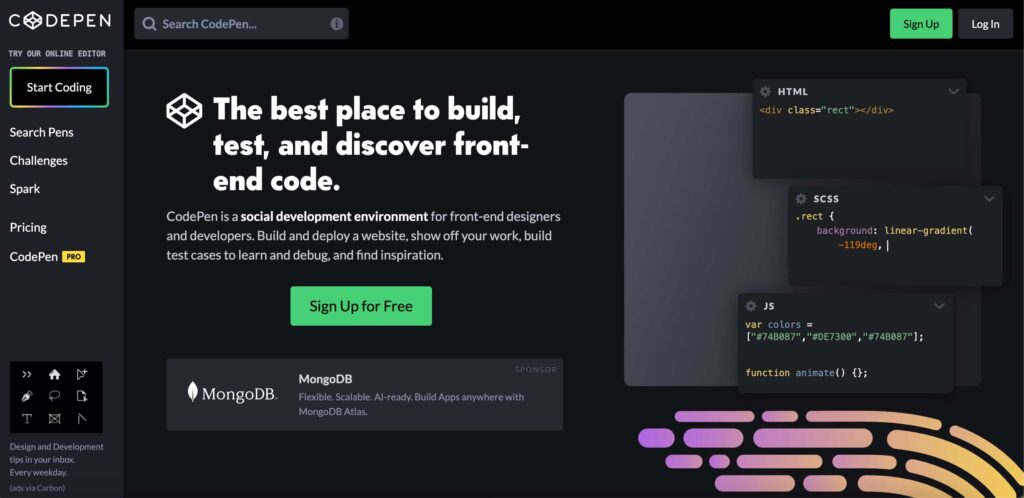
In my opinion CodePen is one of the most useful platforms for developers to explore interactive UI and frontend experiments. You can learn from thousands of real interactive demos, live code editing (HTML, CSS, JS), and instant previews of interactions.
You can find:
- Hover effects
- Animations
- Micro-interactions
used This is one of the best interactive website examples, mainly used by US developers. Because you can copy, modify, and learn directly from working code.
2. Codrops
Visit: https://tympanus.net/codrops/ (The site is not working now).
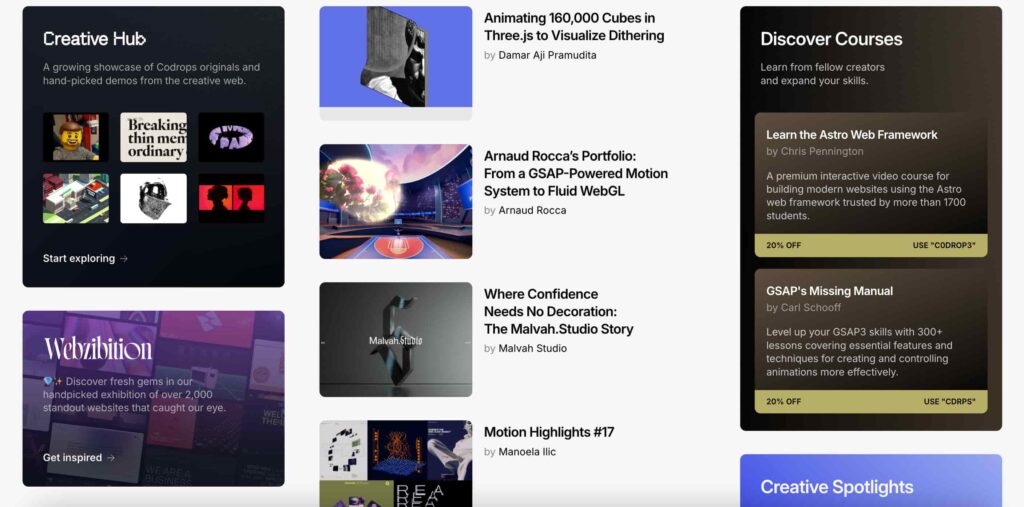
When I open this site, it’s a goldmine for frontend developers who want to learn modern UI interactions. Actually, it’s a blogging site where you can find modern JS frameworks like Next.js and Three.js.
Key features:
- Detailed tutorials with code
- Creative UI experiments
- Advanced animation techniques
It stands out among creative coding websites because it explains how interactions are built step by step. After reading blogs, you will learn scroll animations, hover effects, and page transitions.
This site is perfect if you want to move from beginner to advanced frontend skills.
3. UIverse
Visit: https://uiverse.io
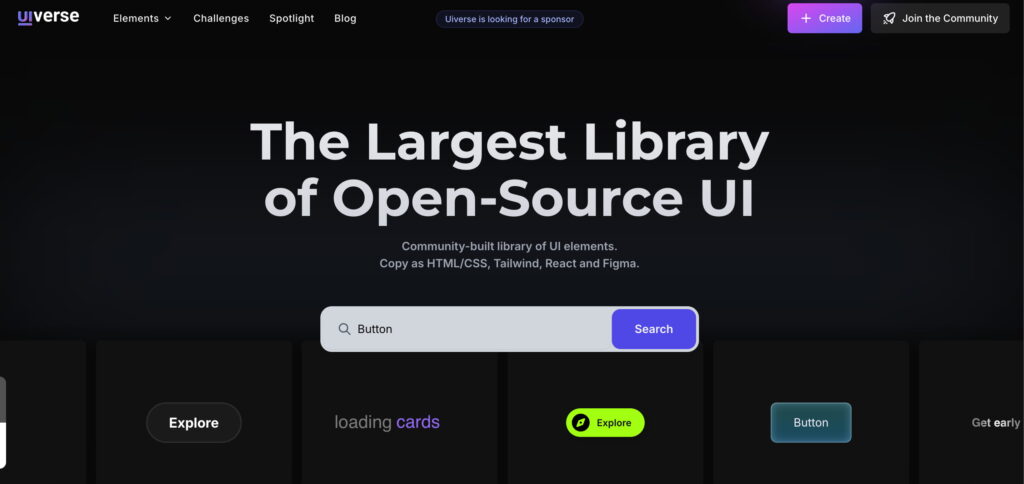
This is a very useful website for upcoming developers. UIverse is a growing platform where developers share interactive UI components. When I entered the site, I just typed “Button,” and it impressed me. There are so many varieties of buttons created with React.js, Tailwind, HTML, and CSS. The thing that surprised me was the whole code is open-source.
Highlights:
- Ready-to-use UI elements
- Interactive buttons, loaders, forms
- Copy-paste code snippets
Unlike other websites, everything here is interactive and customizable. This makes it one of the most practical frontend inspiration websites for developers to build real projects.
Best Practices for Interactive Web Design
To create effective interactive websites, follow these proven principles:
1. Keep Interactions Purposeful
Every animation should add value. Avoid unnecessary effects that distract users.
2. Optimize Performance
Heavy animations can slow down your site. Always prioritize speed and responsiveness.
3. Use Micro-Interactions
Small details like hover states and button feedback make a big difference.
4. Design for All Devices
Ensure your interactions work smoothly on mobile, tablet, and desktop.
5. Focus on User Experience
Great design is not just about visuals. It’s about usability.
Many comments I noticed from my previous blog’s interactive website explained with real examples show how top websites achieve balance between performance and creativity.
Final Thought
I am very excited about the future of web development because it is interactive and animated stuff. By studying interactive websites for developers, you can easily understand how modern interfaces work and how to apply these ideas to our real projects.
Start with small interactions, experiment with animations, and gradually build more complex experiences. Over time, you can easily develop modern websites that are not only functional but also engaging and memorable.

Asif BC is a web developer with 2 years of professional experience in website development and modern web technologies. As the creator of Curiouxify, he researches and writes about interactive websites, internet history, browser experiments, digital culture, and the evolution of the web. His articles combine technical knowledge with careful research to document the creative and lesser-known corners of the internet.