
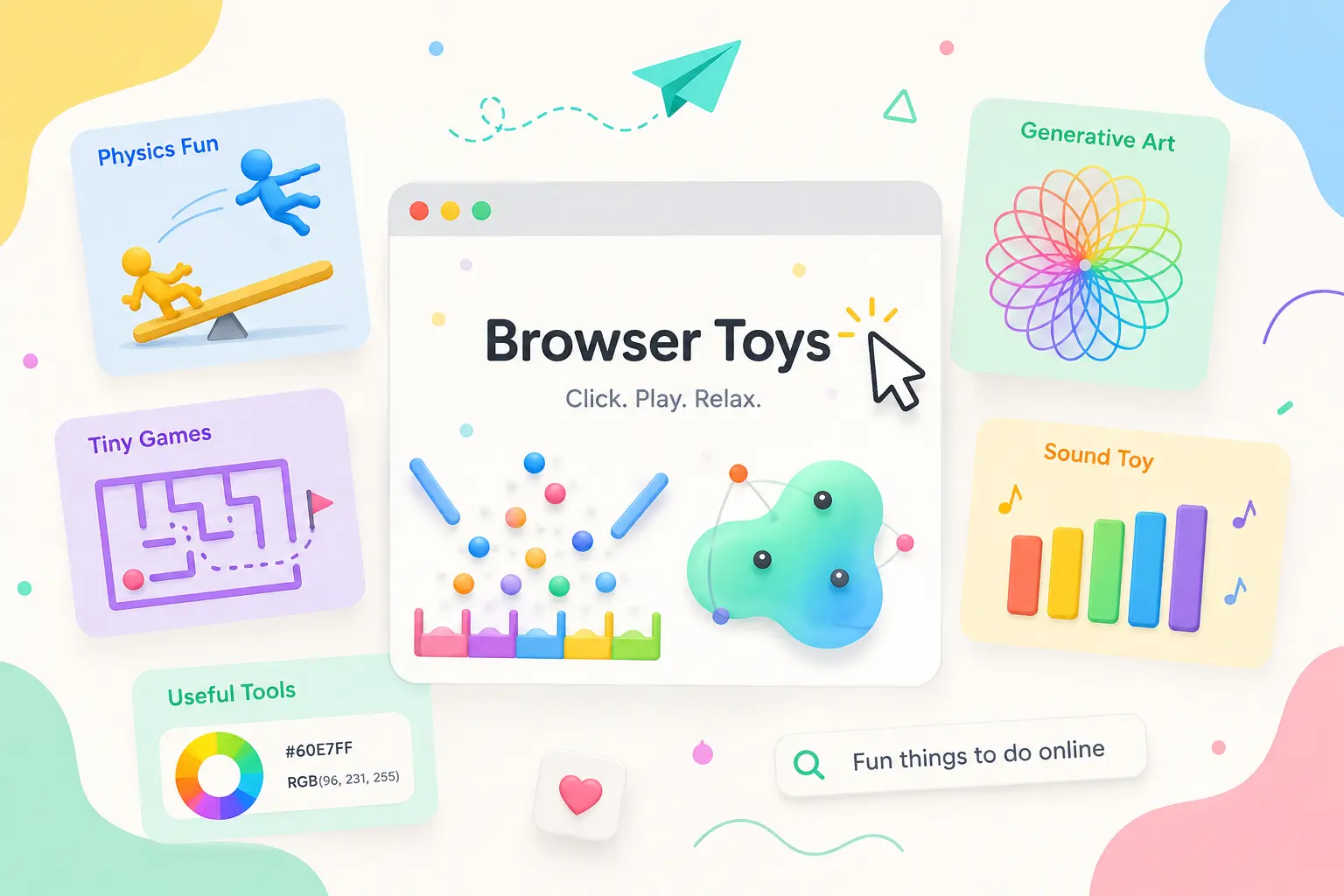
Browser toys are small, no-install web experiments built purely to be poked at. It’s not finished. Unlike other games, there is no score, no ending, and no menu. You open a tab, and something will come and respond to your mouse. People search for them because sometimes you want 5 minutes of distraction without downloading anything or even creating an account.
Table of Contents
What Actually Counts as a Browser Toy
First of all, not every fun websites to visit list is talking about the same thing. A web app can help you do a task, like editing a video or tracking a budget system. An interactive game usually has rules, a number of levels, and a way to win or lose. Interestingly, a browser toy sits in between. It reacts to you in real time, with levels, but there is no goal or objective. Which is exactly why it feels relaxing instead of competitive.
If you are looking to chill for 5 minutes, a fun web game with a scoreboard is a different experience than a toy that just wobbles when you click it.
Physics and Satisfying Browser Toys
One of the most popular and my favorite categories is simple physics-based games. Ragdoll sandboxes let you fling floppy characters around a screen, and particle simulators respond to gravity and collisions. Curiouxify has a full blog regarding physics simulation websites worth exploring.
When I researched these online experiences, so effective is unpredictability paired with control. You are not solving a puzzle, you are nudging a system and watching it settle into something a little different every time.
That is the same logic behind classic simulations like Conway’s Game of Life or boid flocking demos; both have been rebuilt as browser toys for decades using the same Canvas API that powers most simple web graphics.
Generative Art and Sound Toys
Well, I will give some examples of these. Kaleidoscope drawing tools mirror your scribbles into symmetrical patterns; another one is Perlin noise generators, and it creates smooth noise, cloud-like textures on the fly; and Voronoi diagram toys turn random points into cell-like mosaics. These online art tools fall under generative or creative coding. We covered them in more depth in Curiouxify’s guide to creative coding websites and digital art.
One more thing: sound-based toys work the same way but only change audio instead of pixels. A grid of clickable tiles that triggers each note is technically a toy, not an instrument, because there is no lesson plan or performance to do it.
Tiny Web Games You Can Finish in a Minute
Not everything here has to be goal-free to count as a good time killer. Short browser games like Plinko clones, simple mazes, or streak-based trivia sit right next to true toys on most collection sites.
The difference worth knowing is replay value. A toy-based game is different every time you touch it. Because of this, people will play again and again. Which is exactly why platforms like itch.io ‘s browser toys category mix both types without any specific category.
Useful Online Tools Disguised as Toys
Some of the internet’s most bookmarked pages are online tools that people treat like toys on the internet because they are satisfying to use. Multiple tools like a name generator, a page that renders only RGB colors, or a calculator that shows how far a billionaire’s fortune could stretch, like the Spend Bill Gates money game, all fall into the middle ground.
This is the main reason why browser toys resist being replaced by a quick AI answer. When you ask AI, what is a Voronoi diagram? But it cannot recreate the feeling of dragging your cursor and watching the cells redraw themselves in real time. Many of the earliest examples are still preserved in the Internet Archive’s Wayback Machine.
Where to Actually Find Good Ones
If you want a steady supply of fun browser toys to play online, don’t rely on search engines because they’re flooded with app store listings and mobile game ads. Sites built specifically around interactive browser toys and web experiments tend to organize things by feel (chaotic, weird sites, satisfying, and calming) rather than by genre, which matches how people actually browse when bored.
Frequently Asked Questions
Are browser toys safe to use without an account?
Most legitimate browser toys run entirely in your browser using JavaScript, Canvas, or modern technology like WebGL. So they don’t require any sign-ups or downloads. Still, many of the sites ask for personal details before letting you interact with a simple visual toy.
Why do browser toys load so fast compared to games?
They are usually built with lightweight code and no large asset files.
The Takeaway
Fun browser toys to try when bored work because they ask nothing of you beyond a click. There are no tutorials, no save files, and no pressure to finish. This commitment is exactly why they have survived every shift in web design for over two decades.

Asif BC is a web developer with 2 years of professional experience in website development and modern web technologies. As the creator of Curiouxify, he researches and writes about interactive websites, internet history, browser experiments, digital culture, and the evolution of the web. His articles combine technical knowledge with careful research to document the creative and lesser-known corners of the internet.