
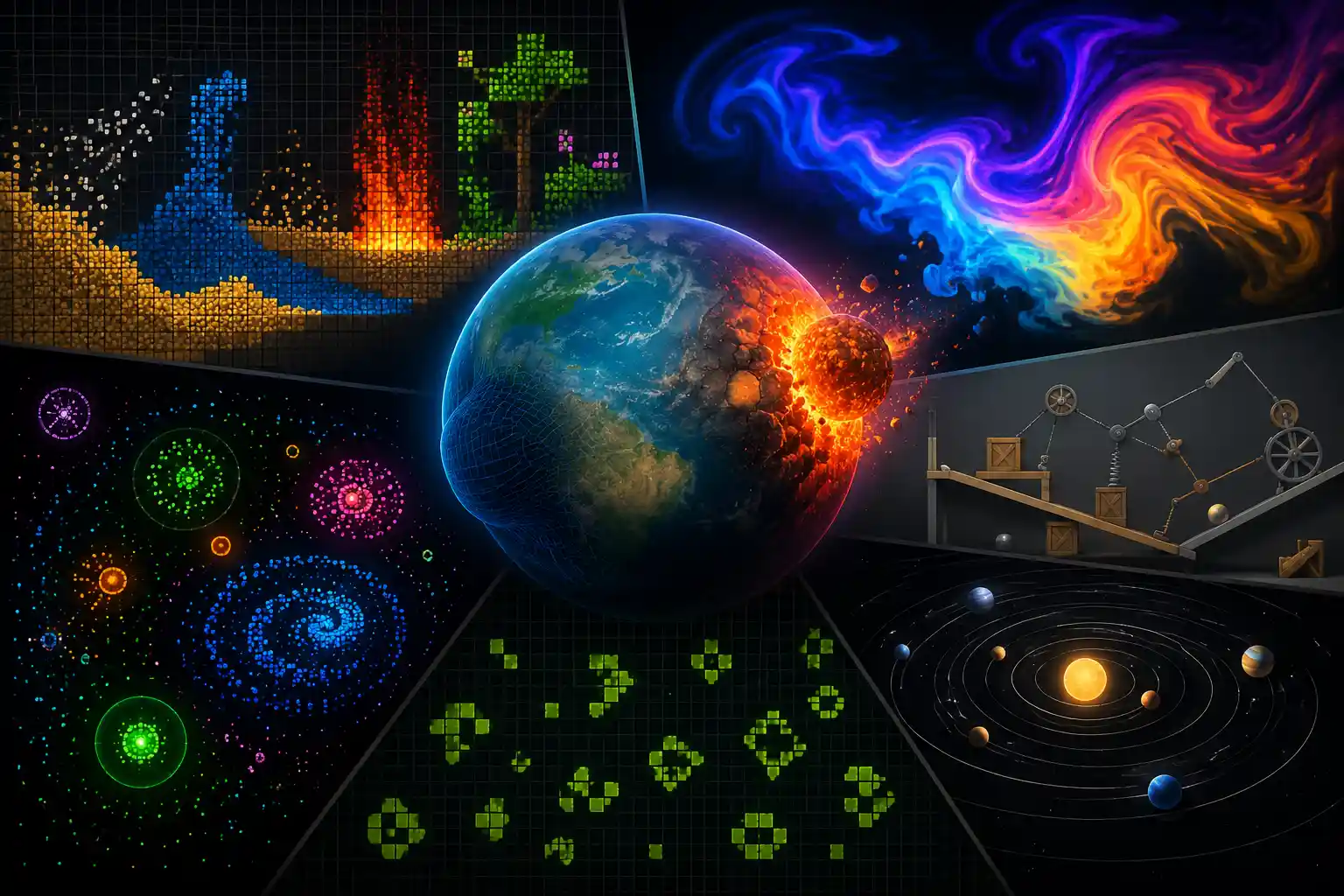
If you’ve ever typed “Physics simulation” in Google at night, 10:00 PM, with no goal other than curiosity, you’ve probably landed on pages built for students. You can find a dropdown menu, a textbook diagram, or maybe a “ready” button with no meaningful context. Useful if you already know what you are looking for, but not so useful if you just want to mess around for a while.
That’s the gap this list is trying to fill. These are browser-based physics simulations that don’t ask anything of you. There’s no sign-up, no instructions to read, and nothing to install. Just open the tab, click around, and see what happens. I spent a few evenings going through dozens of these, and the ones below are the ones I kept coming back to.
Table of Contents
What I Looked For
I wasn’t grading these like a teacher would. The only question I got is whether this site will be loaded fast, whether something happens in the first 10 seconds, and whether I will lose time for this. A few of these are built by researchers or hobbyists in their spare time, and you can tell.
Sandboxels: A Falling Sand Simulator With Way More Than Sand
If you have never tried a falling sand simulator before, Sandboxels is the best option to start with. When you open the site, you get a grid, a palette of elements such as sand, water, fire, plants and even acids. The fun begins when you start dropping different elements together to see what reacts and what doesn’t.
When I use these sites, I drop lava next to water, expecting steam, which happens, then I try mixing in some “life” elements, and accidentally create a small ecosystem. It’s the kind of thing where five minutes turns into fifty without realizing, similar to the way some of the scroll-based interactive websites on this site quietly pull you in.
WebGL Fluid Simulation: Pure Visual Satisfaction
This one’s a little different. It’s closer to an interactive fluid simulation website that exists purely to look beautiful. As browser technology evolves, WebGL experiences have become more impressive than ever. You move your mouse, or your finger on mobile, across the screen and colorful fluid trails swirl, bloom and fade behind it. There are multiple sites related to WebGL examples on the internet.
There’s nothing to win here, and that’s the point. When I left this open in a third tab while working, I found that I kept moving my cursor through the fluid between tasks without even realizing it in between my tasks. It’s even calming and relaxing, almost like a screensaver you can actually touch. If you ever thought these things, then put on a second monitor that feels alive without being distracting. It’s good for background ambience, switching between tasks, or just showing someone what the browser can do.
Particle Life: Watching Simple Rules Create Complex Behavior
This is one of the most fascinating entries on this list. Particle Life simulation sites let you set a handful of simple rules for how different colored particles attract or repel each other, and then you just sit and watch.
When I first opened this, I expected random chaos. Instead, the particles slowly organized themselves into spinning clusters, orbiting patterns, and what looked almost like cells moving across the screen. Nobody programmed those shapes directly. They emerged from a few basic rules. As a developer, I sat there longer than I’d like to admit just adjusting the sliders and watching new patterns form. It reminded me of some of the ambient websites worth leaving open in the background.
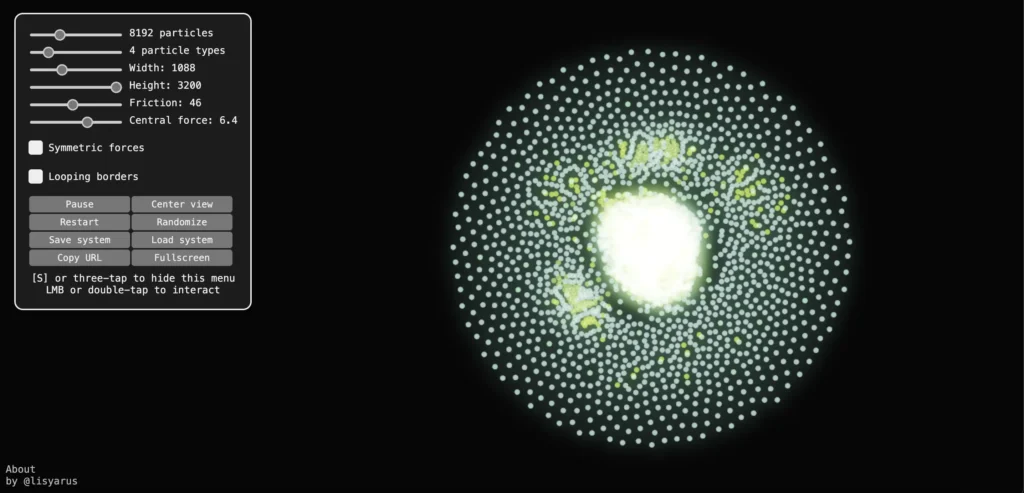
Visit: https://lisyarus.github.io/webgpu/particle-life.html
Conway’s Game of Life: The Classic, Done Well
Conway’s Game of Life is one of those famous simulations that many people have heard about but surprisingly few have actually explored. It’s a grid of cells that live, die, or multiply based on a few simple rules, and the patterns that emerge, including gliders, oscillators, and structures that seem to “walk” across the screen. It gets genuinely mesmerizing once you pass the second minute.
What I liked most when I tried to add my name to it and instantly spawned something that survives for hundreds of generations is weirdly addictive. It’s basically a puzzle disguised as a simulation.
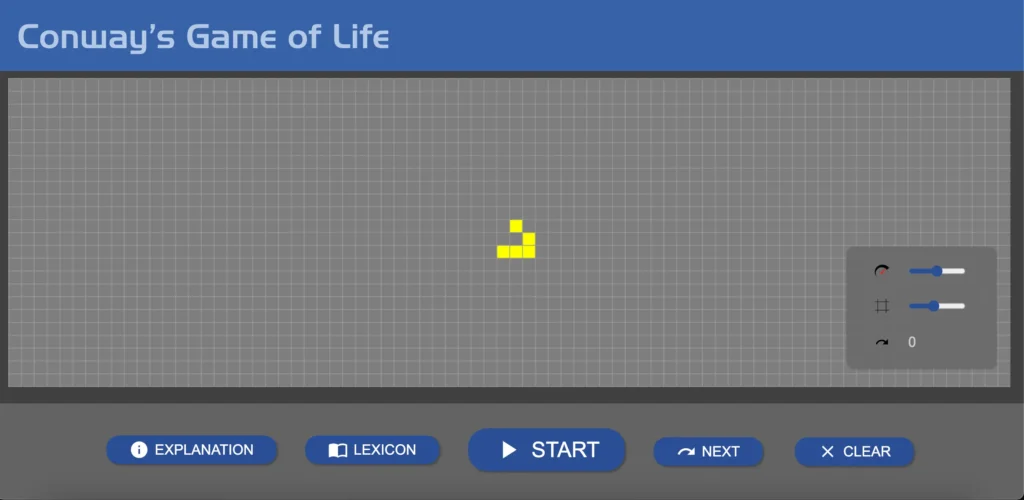
Visit: https://playgameoflife.com/
Gravity Simulator: Build Your Own Tiny Solar System
If you’re a space lover, this is the closest thing on this list to a gravity sandbox online. The interesting part is, you can even place planets, give them mass and velocity, and see what happens after all of this. I spent a good chunk of time just trying to get two planets to orbit each other without either one flying off-screen or crashing.
If you enjoy that kind of small, self-contained challenge, it sits nicely alongside the picks in our “3D Websites That Feel Like Games” post. It’s a surprisingly fun way to understand how orbits actually work. and what happens if anything goes wrong.
Physion: Build Your Own 2D Physics Experiments
Most of the sites above hand you a pre-built simulation. And this one is something different. It’s a closer form of a physics simulation website where you can build the scene yourself. Drop in shapes, set up ramps, springs, and pulleys, then hit play. I got an interesting website for this. Here is the link to this.
It has a bit of a learning curve compared to the others on this list, but even dragging a few boxes onto a slope and watching them tumble and collide is enough to get a feel for it. If you have ever wanted a digital version of a marble run or a Rube Goldberg setup, this is the closest thing to that on the web.

Visit: https://www.byronknoll.com/earth.html
Why This Kind of Hands-On Exploration Actually Helps
These simulations aren’t just fun ways to pass the time. There’s real research behind this. Why do people interact directly with a simulation rather than reading the concept? It makes ideas stick better. A recent meta-analysis of PhET-style interactive physics simulations found a notably large positive effect on learning outcomes compared to our traditional teaching methods, which is exactly what a study published in the International Journal of Online and Biomedical Engineering says.
You don’t need to study all of them theoretically sometimes; just dragging things around and watching what happens is better than studying all of these.
Quick Comparison
| Site | Best For | Setup Needed | Works on Mobile |
| Sandboxels | Cause and effect tinkering | None | Yes |
| WebGL Fluid Simulation | Background visuals | None | Yes |
| Particle Life | Emergent patterns | Minimal | Mostly |
| Game of Life | Puzzles and patterns | None | Yes |
| Gravity Simulator | Orbital mechanics play | Minimal | Yes |
| Physion | Building your own setups | Some | Limited |
Final-Thought
First of all, none of these sites is trying to sell you anything, and most of them were built by people who are interested in physics and other things. If you only try one, start with Sandboxels or the fluid simulation. They’re the fastest to get into, and both are the kind of thing you’ll catch yourself opening again later to see what happens this time.

Asif BC is a web developer with 2 years of professional experience in website development and modern web technologies. As the creator of Curiouxify, he researches and writes about interactive websites, internet history, browser experiments, digital culture, and the evolution of the web. His articles combine technical knowledge with careful research to document the creative and lesser-known corners of the internet.